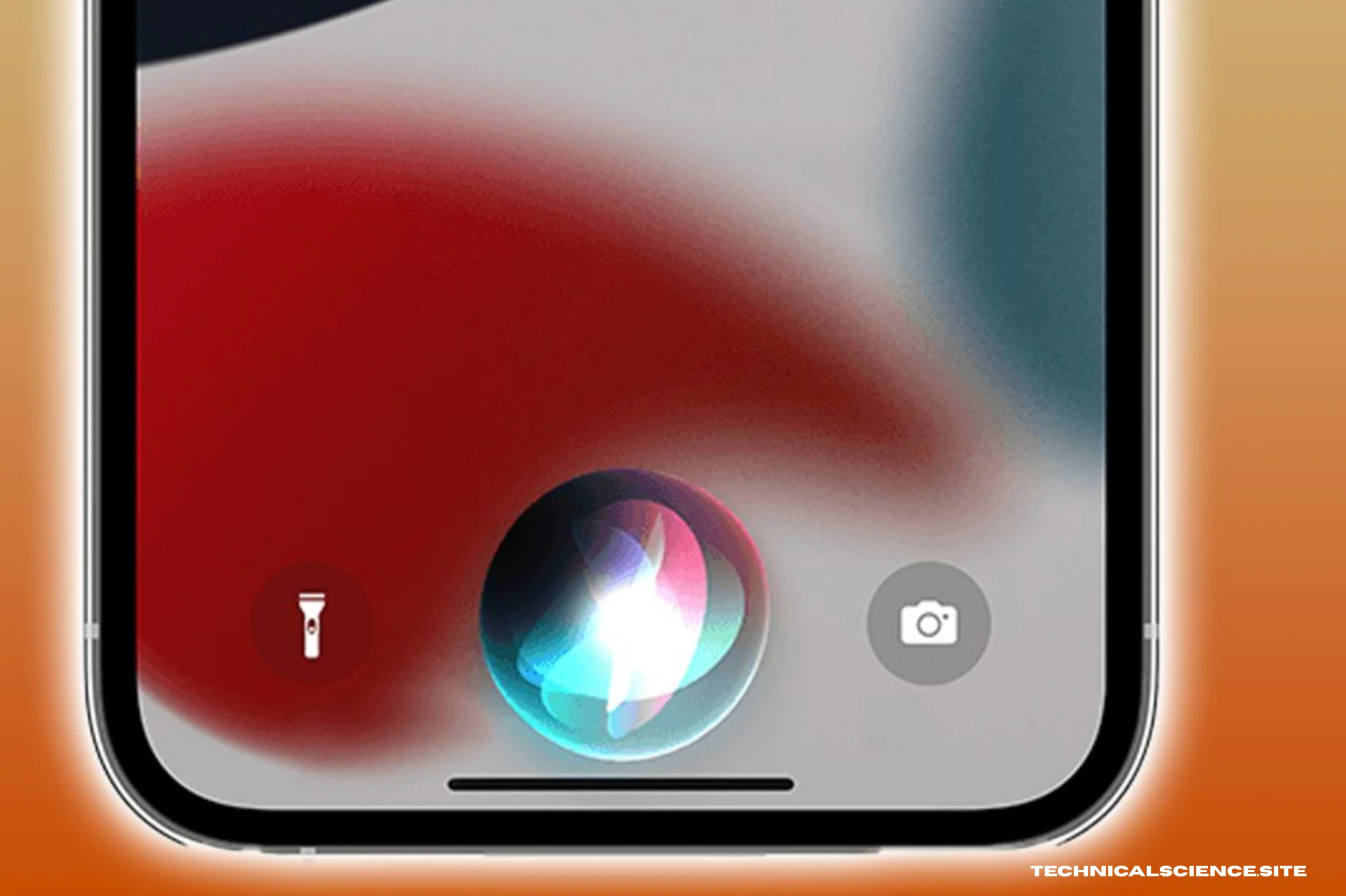
If you continue to wonder why is Siri volume so low on iPhone, you’re definitely not alone. It can be quite frustrating when you talk to Siri and can’t hear her clearly, especially when you are in a crowded room, in your car, or when your iPhone is across the table. You turn up the volume, but it still seems too low.
The key thing to understand here is that Siri’s volume is not always the same as your music, ringtone, or video volume. iPhones, made by Apple, have separate audio channels. Because of this, Siri may sound too low even if everything else sounds loud enough. We will explain this in detail and give you a proper solution.
The Real Reason Why Siri Volume Is So Low on iPhone
The most basic cause of why Siri volume is so low on iPhone is that Siri’s voice volume is set independently from your normal media volume. Many users press the volume buttons when Siri is not speaking. This will only change the volume of music or videos, not the volume of Siri’s voice output.
To correctly turn up the volume of Siri, you first need to turn on Siri. When she is speaking, you need to press the volume up button. This will directly affect the volume of her voice. If you press the volume up button before she speaks, it won’t change her voice output.
Silent Mode and Siri Response Settings
Another underlying reason why Siri might seem like she is speaking softly is related to response settings. Your iPhone has the ability for Siri to respond silently in certain conditions. This can lead to the perception that her volume is turned down when in fact she is just set to respond in a limited way.
Within the Settings app on your iPhone, under the Siri & Search section, there is a feature called Siri Responses. When “Prefer Silent Responses” is turned on, Siri might not speak out loud. Turning this to “Prefer Spoken Responses” will guarantee that she speaks out loud even if your iPhone is in silent mode.
Occasionally, people will forget that they turned this feature on months ago, and this is why they might be confused when they notice that Siri is speaking softly.
Bluetooth Is Often the Hidden Problem
One of the most common reasons why is Siri volume so low on iPhone is actually Bluetooth routing. Your iPhone may still be connected to wireless earbuds, a car audio system, or another speaker without you even realizing it.
This is actually what is causing the low Siri volume. It’s not actually quiet. It’s just playing somewhere else.
Open up your Control Center and look at the audio output source. If it is actually showing that you are connected to headphones, car audio, or another device, that’s the whole problem. Change the audio output source back to the iPhone speakers and see if Siri is actually louder.
A lot of people end up spending hours trying to troubleshoot the problem when the problem is actually just that the sound is being routed somewhere else.
Locked vs Unlocked Phone Behavior
Siri behavior varies depending on whether your phone is locked or unlocked. When your phone is locked, Siri tends to follow ringer volume. When your phone is unlocked, Siri tends to follow media volume. This variation makes Siri seem inconsistent.
If Siri appears to be speaking softly only when your phone is locked, go to Sounds & Haptics and check the volume for ringer and alerts. Move that slider up and see if the problem is solved.
This is a deliberate design choice, but it is confusing.
Speaker Blockage or Case Interference
Other times, the solution to the problem of Siri volume being low on the iPhone may not lie with software. It may lie with hardware.
Dust and pocket lint accumulate in speaker grills over time. Even a small amount of dust and lint can cause muffled sound and low volume. Some cases can also obstruct speaker grills.
Remove the case and listen to Siri. If she is louder, then the problem is the case. Cleaning the speaker area with a soft brush can also help improve sound output.
If music and videos are also sounding muffled, then there is a higher chance of a speaker issue.
Low Power Mode and Performance Limitations
Low Power Mode cuts down on background tasks to conserve battery life. Although it doesn’t directly impact Siri’s muting, it might occasionally impact Siri’s response or audio playback.
Try turning off Low Power Mode temporarily and using Siri again. If her voice is back to normal, then battery-saving features were probably interfering.
Software Glitches After Updates
Occasionally, Siri volume problems may arise following an iOS update. This is due to temporary system glitches that may impact audio profiles.
If your Siri has gone silent following an update, you can try rebooting your iPhone. This is the simplest way to resolve temporary memory problems that may impact system functions.
You may also switch “Hey Siri” off and then turn it back on to reset the voice assistant settings. Re-training Siri will enable the system to re-adjust voice response patterns.
Software glitches are more frequent than one realizes, particularly after major software updates.
Accessibility Settings That Affect Audio Behavior
Accessibility settings may also affect Siri volume or behavior. Voice Control, Sound Recognition, or other advanced input options might affect audio behavior.
If you have changed your accessibility settings recently, you should check these settings. Disabling experimental or advanced settings temporarily can help you determine if these settings affect Siri audio.
When It’s a Hardware Issue
If Siri is still very quiet after adjusting the settings properly and you also find that music, speakerphone, and voice memos are playing back softly, it could be a hardware issue.
Water damage, drops, or damage to the internal speaker may cause sound output to be reduced. In such scenarios, you may need to visit a professional.
But hardware failure is a rare occurrence compared to volume settings being turned down.
Why Is Siri Volume So Low on iPhone Even at Maximum?
If you had turned up the volume when Siri was talking and the volume is still too low, here are some more profound explanations:
Your phone could still be playing the audio through another device. The speaker grill could be partially blocked. Siri’s chosen voice could simply be softer-sounding. Or there could be a tiny software glitch that is preventing the volume from being scaled up.
Switching up Siri’s voice in Siri & Search settings sometimes resolves the issue because each voice has a slightly different volume level.
Preventing Siri Volume Issues in the Future
To ensure that you never have to deal with this problem again, it is essential to remember a few things. Always change the Siri volume while she is talking. Check your Bluetooth connections regularly. Ensure that your speaker area is clean. Install updates on time. And don’t use bulky cases that may obstruct the audio ports.
By following these habits, you can prevent most problems in the future.
Conclusion
If you have been frustrated and wondering why Siri volume is so low on your iPhone, the answer is often simpler than you think. Siri has different audio settings depending on the situation in which you are using her. Bluetooth audio routing, silent response preferences, locked screen usage, and individual voice volume preferences can all contribute to her sounding quieter than she should be.
More often than not, the answer takes only a minute to implement once you know what you are doing. You need to adjust the volume while she is talking, check the audio routing, and check the response preferences. Only occasionally is the issue hardware-related.
Understanding how Siri’s audio system works eliminates the confusion. In the end, her voice should be clear, consistent, and loud enough to hear without straining.
FAQs
Why is Siri volume so low on iPhone compared to music?
Because Siri and music play back using different volume channels. You need to change her volume while she is talking.
Why does Siri sound low only when my phone is locked?
When your phone is locked, Siri might use ringer volume instead of media volume. You can just turn up the ringer volume.
Can Bluetooth cause Siri to sound quiet?
Yes, If you are playing audio on headphones or in your car, Siri might sound quiet or not at all from your phone’s speaker.
Is low Siri volume a hardware issue?
Not usually, It is usually a problem with settings or audio routing.
Thank You 👍
Read More Articles: